Overview
Autopilot transforms the way you build AI solutions. Instead of navigating settings, wiring integrations, or writing configuration from scratch, you simply describe what you need — and Autopilot handles the rest. From spinning up intelligent agents to designing multi-step automation workflows, managing your data, and conducting live web research, Autopilot gives your team a powerful co-builder that works at the speed of conversation.
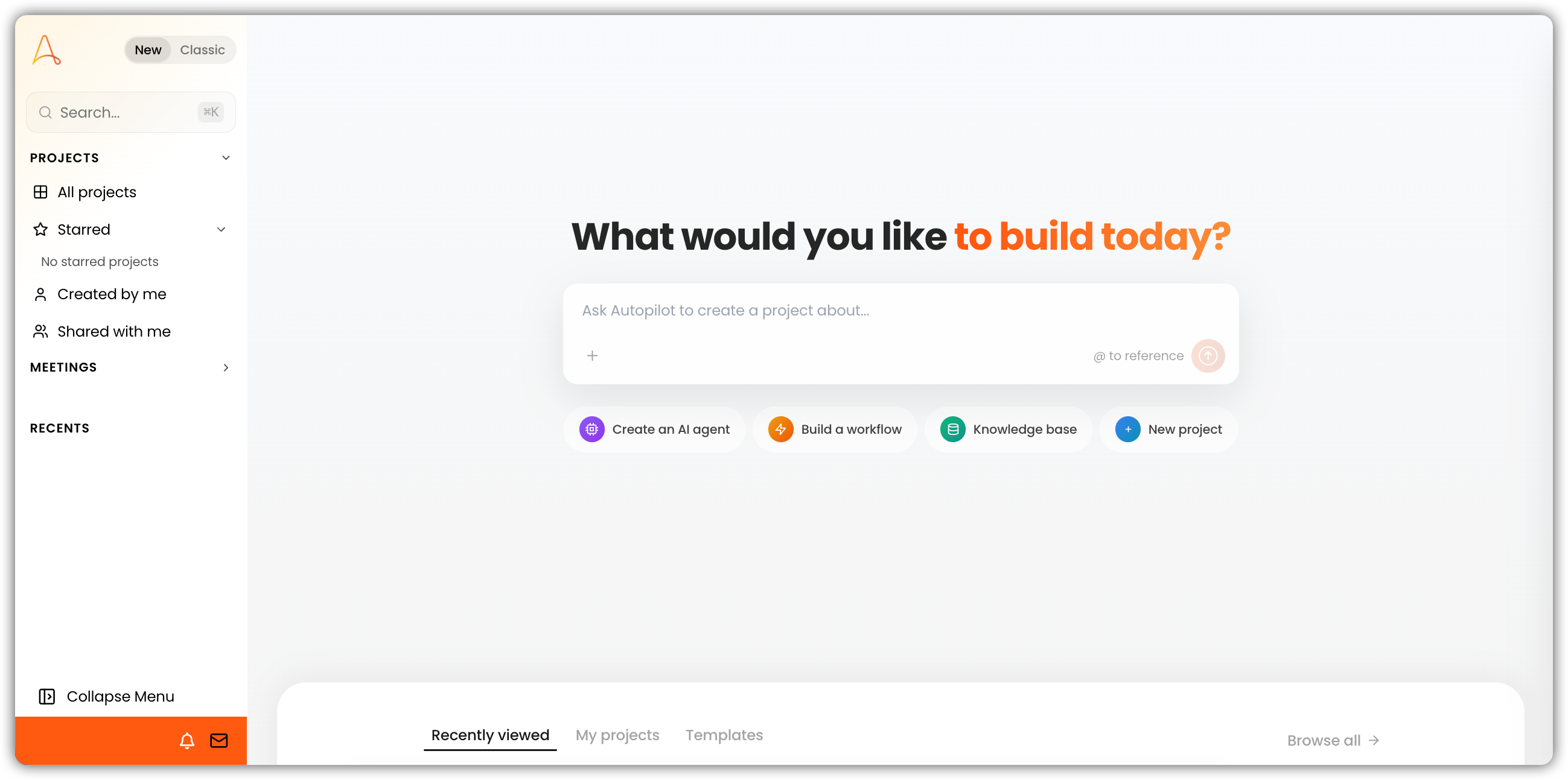
Autopilot has two modes — Agent (answer and act without changing your workspace) and Build (create and modify resources). New chats default to Agent. Learn about Autopilot modes.
What You Can Build with Autopilot
1. AI Agents — Tailored to Your Use Case
Need an agent that knows your documentation inside and out? Or one that analyzes data, writes code, or answers customer questions? Autopilot builds it — fully configured and tested — from a single conversation.
- Create agents from scratch with custom personalities, instructions, and toolkits
- Start from a template: Knowledge Base Agent, Data Analyst, Research Assistant, Python Developer, and more
- Connect to your stack: databases, web search, knowledge bases, CRMs, project management tools, and other integrations
- Clone and modify existing agents to spin up variations quickly
- Validate and test automatically before any agent goes live
2. Automation Workflows — Visual, Node-Based, Fully Wired
Describe the process you want to automate. Autopilot builds it as a multi-step workflow — complete with triggers, logic, and processing nodes — and tests each piece as it goes.
- Flexible triggers: manual, file upload, scheduled, or email-based
- Rich processing nodes: LLM prompts, Python execution, agent calls, conditional branching, and loops
- Incremental verification: each node is validated as it's added, catching issues before they compound
- Full execution history: run workflows end-to-end and review detailed logs
- Auto-layout: nodes are arranged automatically for a clean, readable canvas
For Visual vs Python builders, docked Autopilot in the editor, and flowchart/summary views, see Visual and Python Workflows.
3. Smart Tables — Structured Data with Built-In AI
Go beyond spreadsheets. Smart Tables are structured data tables with AI-powered extraction built in — Autopilot designs the schema, sets up the columns, and keeps your data organized.
- Column types: text, number, date, boolean, single select, and multi-select
- Full data management: add, update, query, and delete rows and columns
- AI-designed schemas based on your requirements — no manual configuration needed
4. Web Research — From Question to Cited Report
Ask a research question. Autopilot searches the web, pulls full page content from relevant sources, cross-references findings, and delivers a properly cited summary — all within the same conversation.
- Targeted search queries to find the most relevant sources
- Full page content retrieval — not just snippets, but complete articles and documents
- Multi-source cross-referencing for accurate, well-rounded findings
- Proper source attribution on every finding
5. Task Planning — Transparent from Start to Finish
Autopilot doesn't just act — it plans first. Every task is broken into clear, trackable steps so you always know what's happening and why.
- Structured task lists created before any work begins
- Step-by-step execution with real-time progress updates
- Full visibility: see what's done, what's in progress, and what's next
6. Automated Testing — Built Right, Every Time
Quality isn't an afterthought. Autopilot generates test scenarios, runs them automatically, and iterates until things work — so you can deploy with confidence.
- AI-generated test cases relevant to your agent's or workflow's actual purpose
- Batch test execution across multiple scenarios at once
- Failure diagnosis: identify exactly what went wrong and where
- Automatic iteration: Autopilot applies fixes and retries, up to two rounds
7. Platform Management — Everything in One Place
Manage your EKB environment without leaving the conversation. Autopilot handles day-to-day platform operations so your team can stay focused on building.
Projects
- Create, update, and delete projects
- List all projects you have access to
- View project details and settings
Knowledge Base
- Organize files into folders
- Move and delete files and folders
- Check file processing status at any time
Web Crawlers
- Create crawlers that automatically index external websites into your knowledge base
8. Agent Chat Debugging — Know Exactly What Went Wrong
When an agent isn't behaving as expected, Autopilot gives you a full investigative toolkit — no guesswork required.
- Review full conversation history — page through any agent's chat
- Inspect tool usage in detail: which tools were called, what arguments were passed, and what came back
- Consolidated error view across the entire conversation
- Apply fixes directly: update the agent's configuration to resolve issues on the spot