API Keys
Open My Account → API Keys to generate and manage keys for authenticating external applications and automating tasks with EKB.
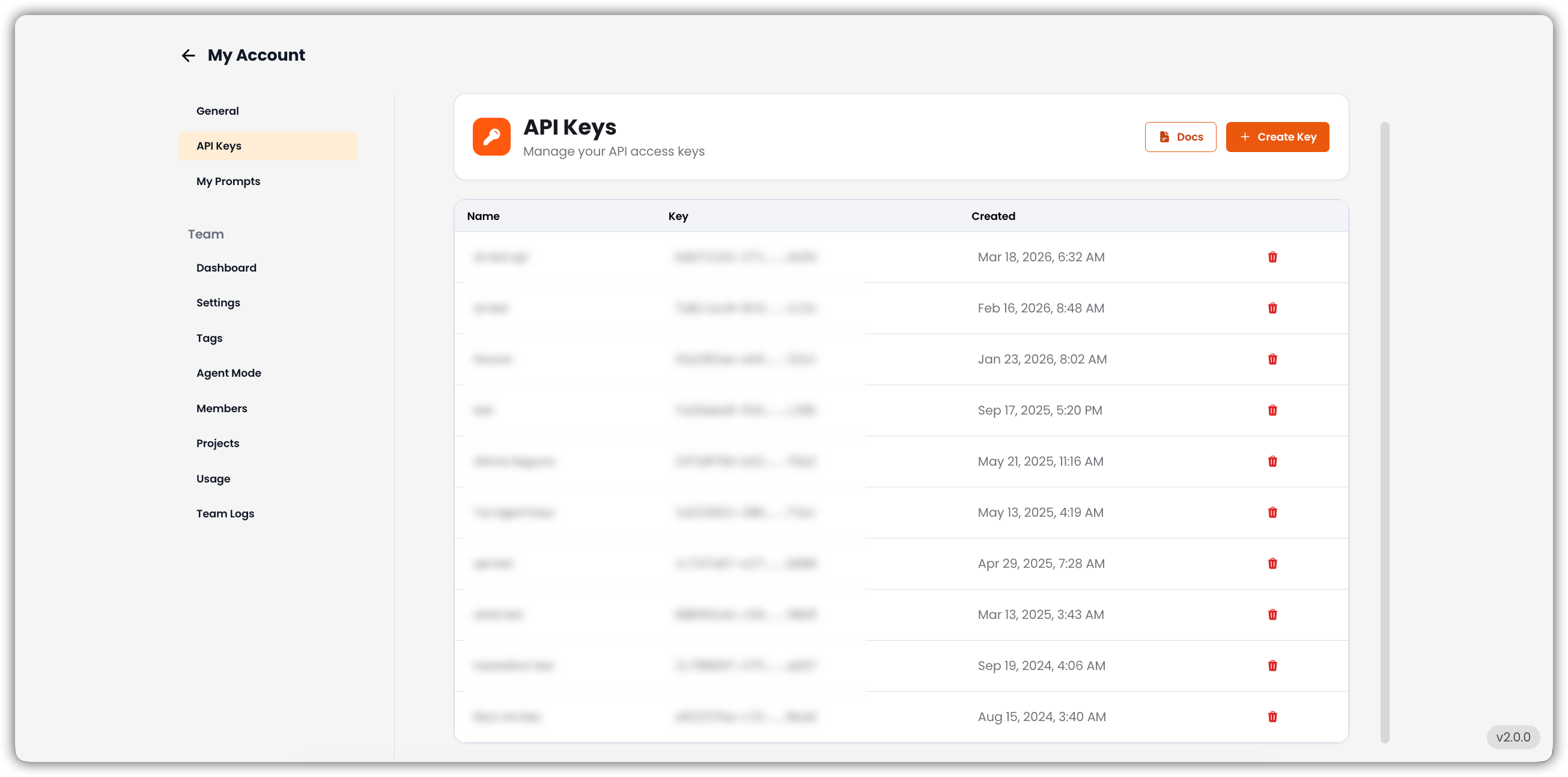
Use this tab to view every key you have created, create new keys, delete keys you no longer need, and open API documentation for setup instructions, example requests, and secure-usage guidance.
API Key List
Each entry in the list includes:
| Column | Description |
|---|---|
| Name | Name assigned to the key for identification |
| Key | API key string used for authentication (partially hidden) |
| Date Created | Date and time the key was generated |
| Delete | Remove the key when it is no longer needed |
info
If no API keys have been created yet, this section is empty.
Create New Key
The Create Key button in the top-right corner generates a new API key.
- Provide a name for the key.
- Save the generated key securely — it may not be shown again in full.
- Use the key to connect EKB with other applications or services.
View Documentation
The Docs button opens detailed API documentation, including:
- Setup instructions
- Example requests
- Best practices for securely using API keys
See API Reference for the in-docs version of that material.