Connect Google Drive to the Knowledge Base
Connect Google Drive (OAuth) to this project. After the connection is active, add files and folders using Add Google Drive Content.
This page is about the Knowledge Base connector (auth / connection). Separately, agents can call Google Drive live via the agent Google Drive toolkit.
Prerequisites
| You need |
|---|
| A Google account that can authorize Drive access |
| Browser allowed to complete Google’s OAuth redirect |
| Permission to manage project Connections / Knowledge Base connectors |
Where to connect
You can reach the same connector from either place:
| Path | Steps |
|---|---|
| Project Settings | Settings → Connections → Cloud Storage & Documentation → Google Drive |
| Knowledge Base Settings | Knowledge Base → Settings → Connectors → Google Drive |
The Google Drive tile shows a green status and a connection count when linked.
Connect Google Drive
- Open the Google Drive tile.
- Click + Connect Google Drive (or Connect).
- Sign in with Google and grant the permissions EKB requests to access Drive files.
- Confirm your Google account appears listed under the Google Drive connection.
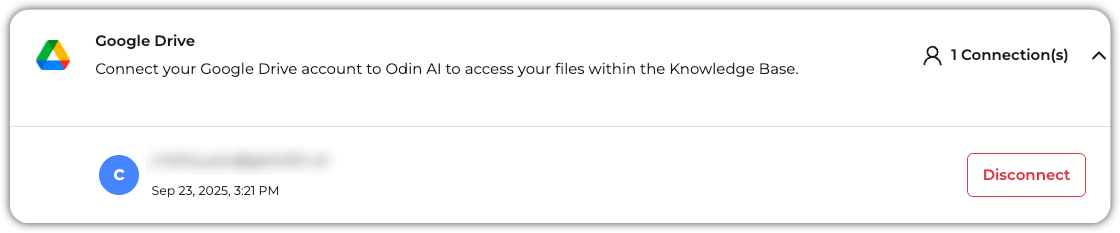
Disconnect from the Google Drive modal when a link should be removed. Reconnect with the same flow if tokens expire or scopes change.
Next: add content
With the connection established, ingest files and folders:
Add Google Drive Content to the Knowledge Base — URL Upload for file or folder links, Sync refresh, and troubleshooting.
Troubleshooting
| Symptom | What to check |
|---|---|
| OAuth fails / returns without a connection | Complete consent on Google; retry from the Google Drive tile; allow popups/redirects |
| Wrong Google account connected | Disconnect the listed account, then connect again with the intended account |
| Add content fails after connect | See Add Google Drive Content troubleshooting |