

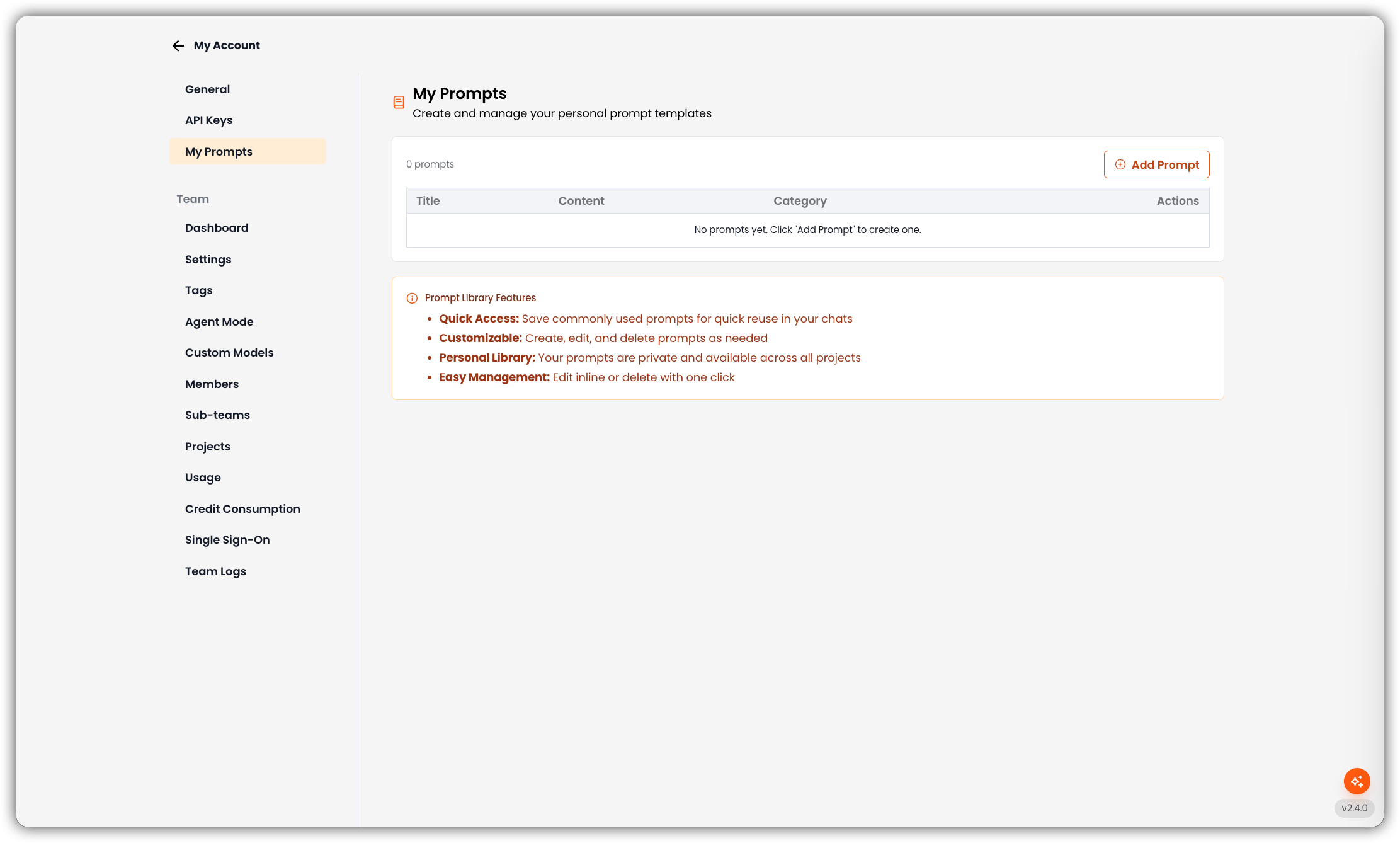
Prompt List
The table shows how many prompts you have, with these columns:
If you have none yet, the table says: No prompts yet. Click “Add Prompt” to create one.
Add a Prompt
- Click Add Prompt.
- Enter Prompt Title (required, up to 100 characters).
- Enter Prompt Content (required, up to 5,000 characters).
- Optionally choose a Category: Summarize, Ideate, Draft, Analyze, Compare, or Translate.
- Save.
Edit or Delete
- Edit opens the same dialog with the current title, content, and category.
- Delete asks for confirmation, then removes the prompt.
Prompt Library Features
- Quick Access: Save commonly used prompts for reuse in chat
- Customizable: Create, edit, and delete prompts as needed
- Personal Library: Your prompts are private and available across all projects
- Easy Management: Edit or delete from the table
Related
- Library — browse Agent, Personal, and Project prompts inside a project