

Only team admins can open this tab.
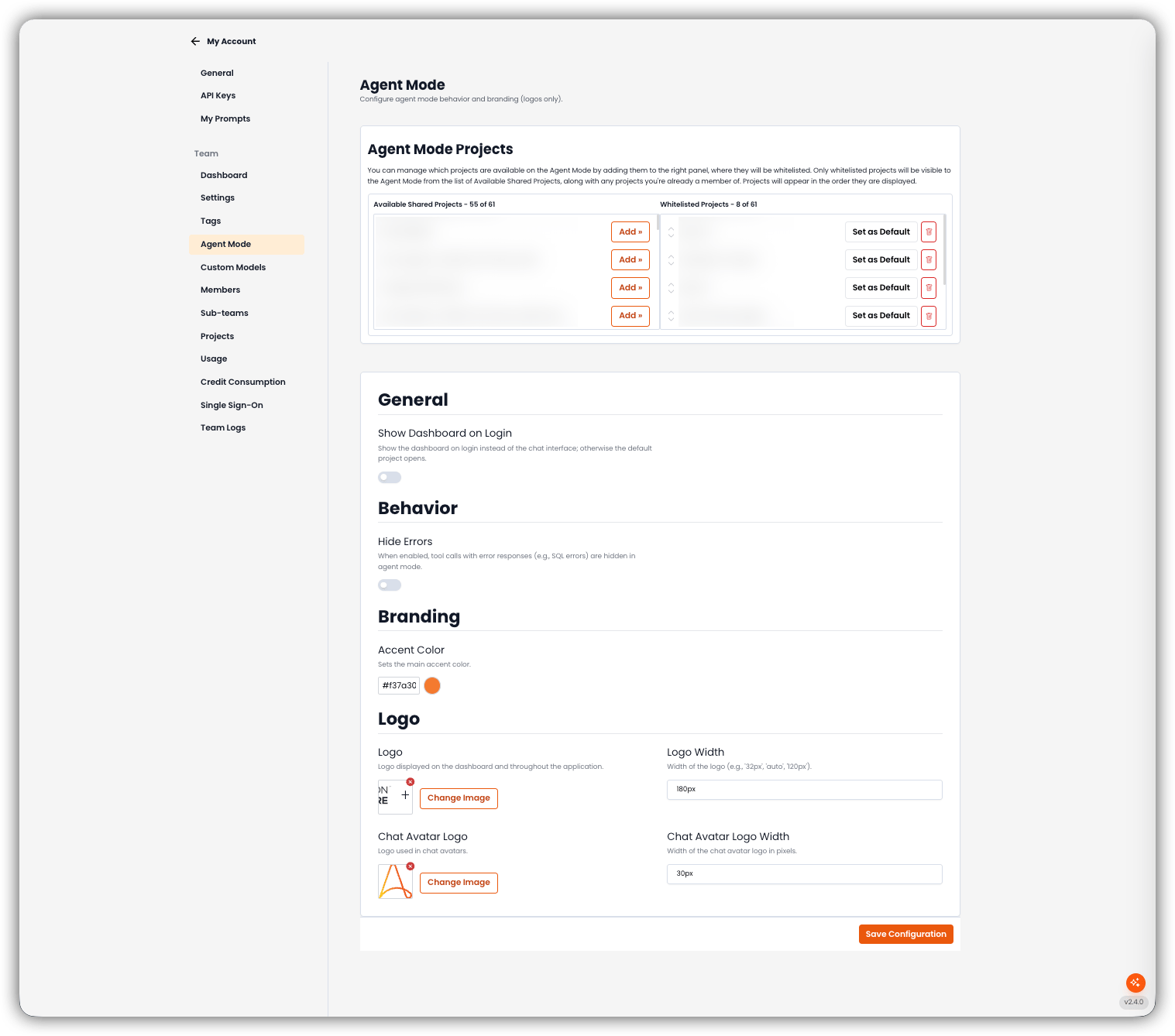
Agent Mode Projects
Whitelist the projects that appear in Agent Mode. Only whitelisted projects (plus projects the person is already a member of) show in the Agent Mode list. They appear in the order shown on the right.
The Default project is the one Agent Mode opens when Show Dashboard on Login is off.
Empty states: No projects available (left) and No projects enabled (right).
General
- Show Dashboard on Login Show the dashboard on login instead of the chat interface. If this is off, the default project opens.
Behavior
- Hide Errors When enabled, tool calls with error responses (for example SQL errors) are hidden in Agent Mode.
Branding
- Accent Color Main accent color for Agent Mode.
Logo
Click Save Configuration to save project whitelist, default project, and appearance together.
Related
- Team Settings — Chat Mode for Members
- Autopilot Modes — Autopilot Agent vs Build mode
- Custom Models — team-wide LLM connections