

Install the Skills Manager Toolkit
There are two ways to install the Skills Manager Toolkit:- Skills Tab
- Toolkits Tab
1
Open your agent's configuration
Navigate to the Skills tab.
2
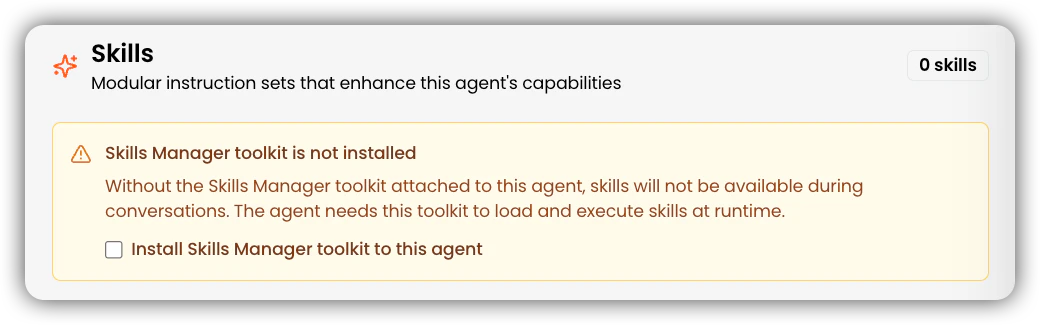
Install the Skills Manager Toolkit
Tick the checkbox to install the Skills Manager Toolkit. A toast notification will confirm that the toolkit has been added to your agent.

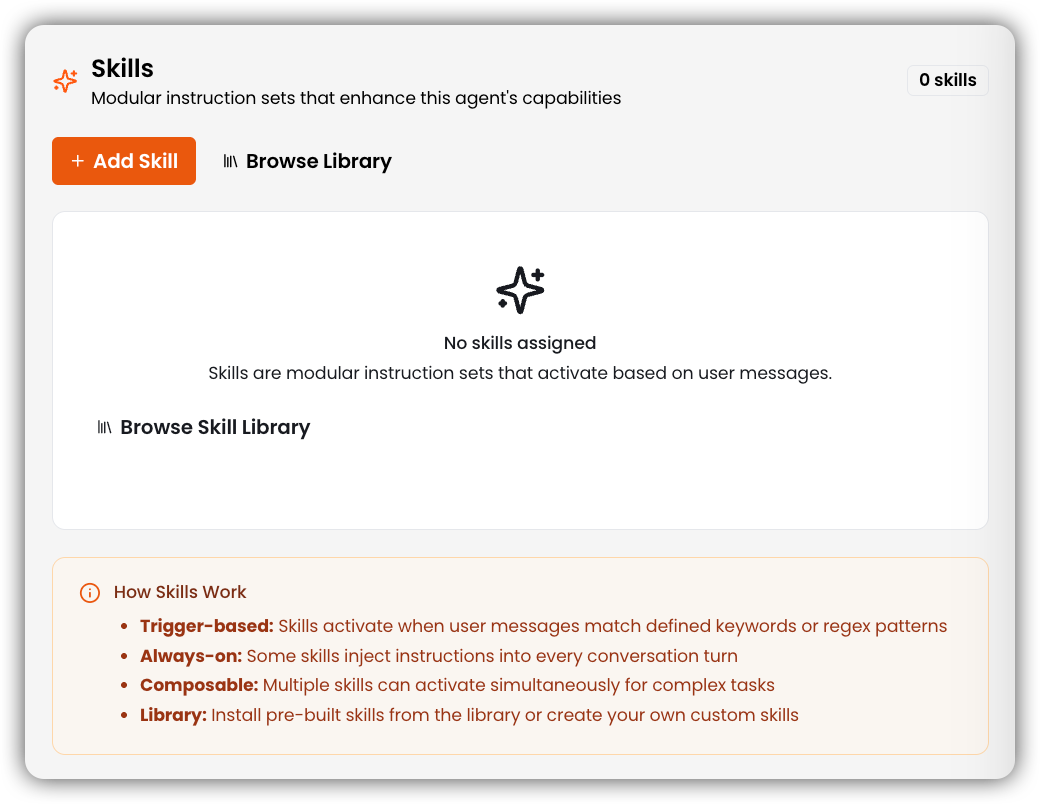
Browse Pre-Built Skills in the Library
Skills Library
Browse all pre-built skills available out of the box, organized by category.
Create a Custom Skill
To create a new skill, open the Skills section and click Create Skill. Fill in the following fields:1
Name
Enter a unique identifier for your skill using lowercase letters, numbers, and hyphens only (1–64 characters). Leading, trailing, or consecutive hyphens are not allowed.
2
Description
Write a clear explanation of what the skill does and when to use it. Include keywords that agents can match on — this text is what the agent reads during the Discovery stage to decide whether to activate the skill.
Description must be between 1–1024 characters and cannot be empty.
3
Triggers
Add one or more keywords or
/regex/ patterns that will activate this skill. Press Enter or comma after each trigger to add it.
Triggers are optional — if left empty, the skill will only activate via the Always On setting (see below).4
Content
Write the skill instructions in markdown. This is the full
SKILL content loaded into the agent’s context when the skill is activated. Be specific — step-by-step instructions with clear formatting produce the most reliable agent behavior.5
Allowed Tools
Click Select tools to choose which agent toolkits this skill is permitted to use (e.g.
knowledge base, web search, database). If no tools are selected, the skill runs on the agent’s context alone.6
Category
Select a category from the dropdown to organize the skill in the library. Defaults to None if left unset.
7
Always On (optional)
Toggle Always On to inject this skill’s instructions into every conversation turn, regardless of whether a trigger keyword is matched. Use this for skills that should apply globally, such as tone guidelines or compliance rules.
8
Create
Once all required fields are filled in, click Create to save the skill and make it available to your agents.